Arabic & English · made in Doha
Order and pay at the table.
One QR code puts your menu, the bill, the split and the tip on your guest's phone, and keeps the kitchen in step. For restaurants and cafés in Qatar.
Two ways in
Start with the bill, or with the whole order.

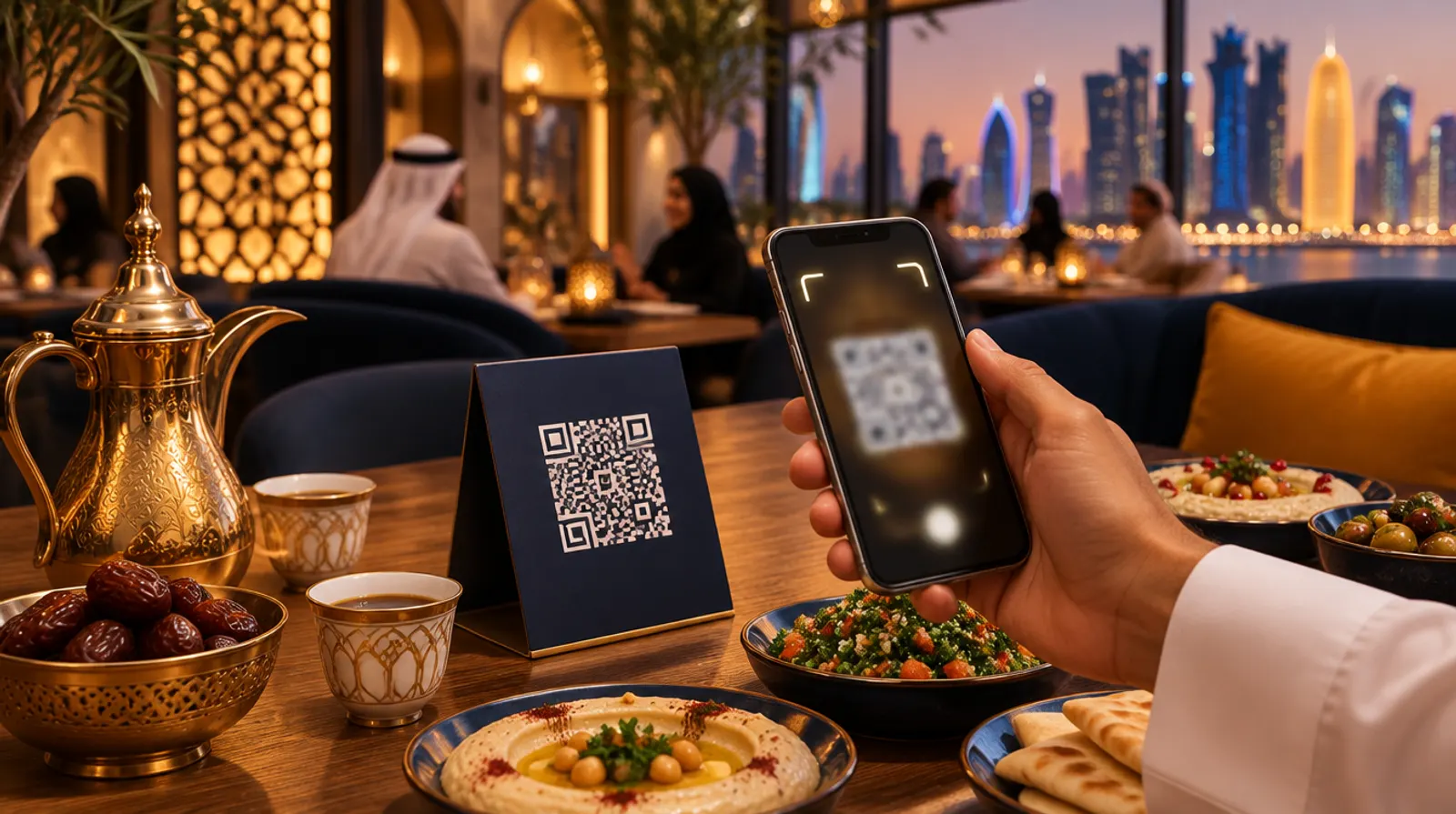
Pay at the table
The live bill from your POS on the guest's phone. They split it, add a tip and pay, without waiting for the card machine. Your team keeps taking orders as today.How paying works
Order & pay
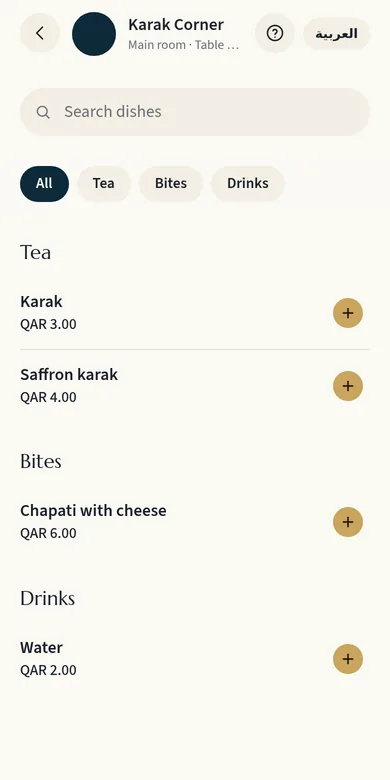
Guests order from your bilingual menu with photos and pay in the same flow. The order goes to the kitchen display and to your POS.How ordering worksFor your guests
From scan to paid in four steps.
No app to download and no account to make. The menu wears your name and your colours.
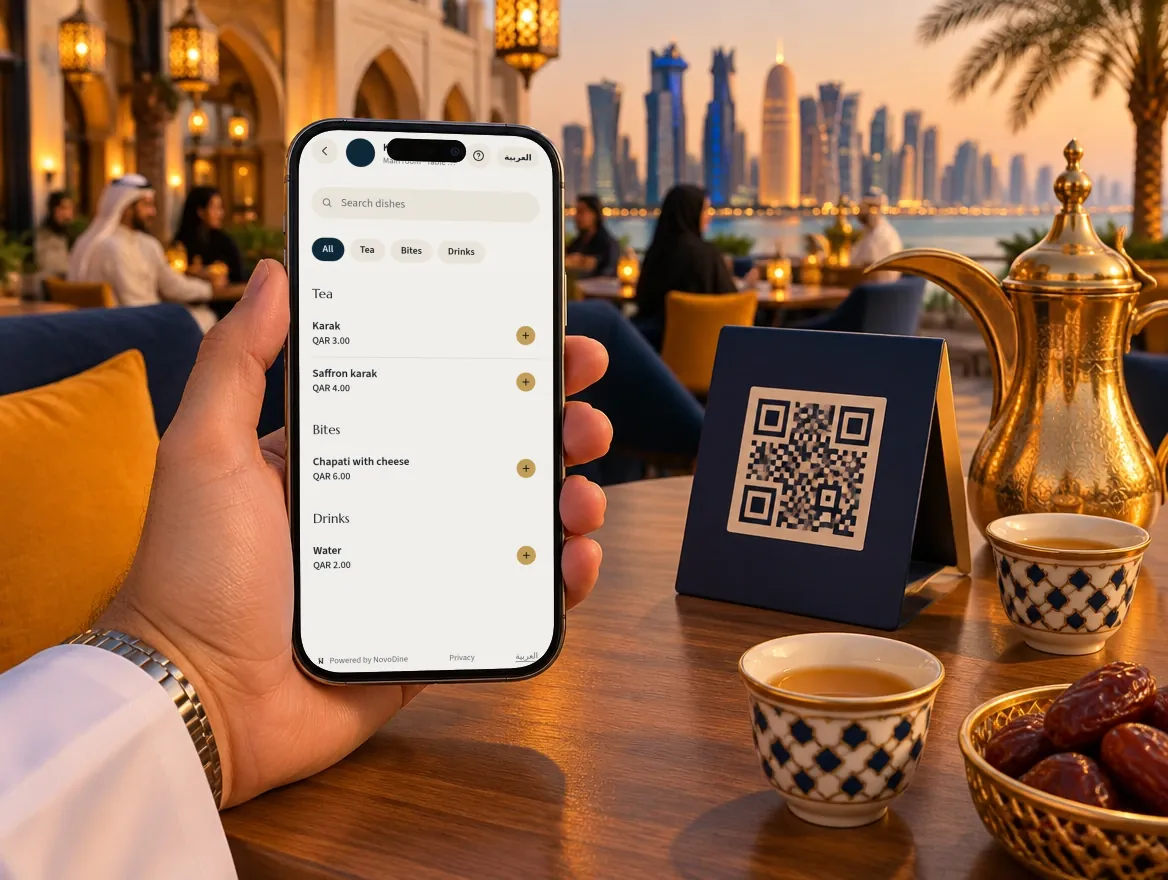
Scan
The camera opens your menu from the code on the table, in Arabic or English.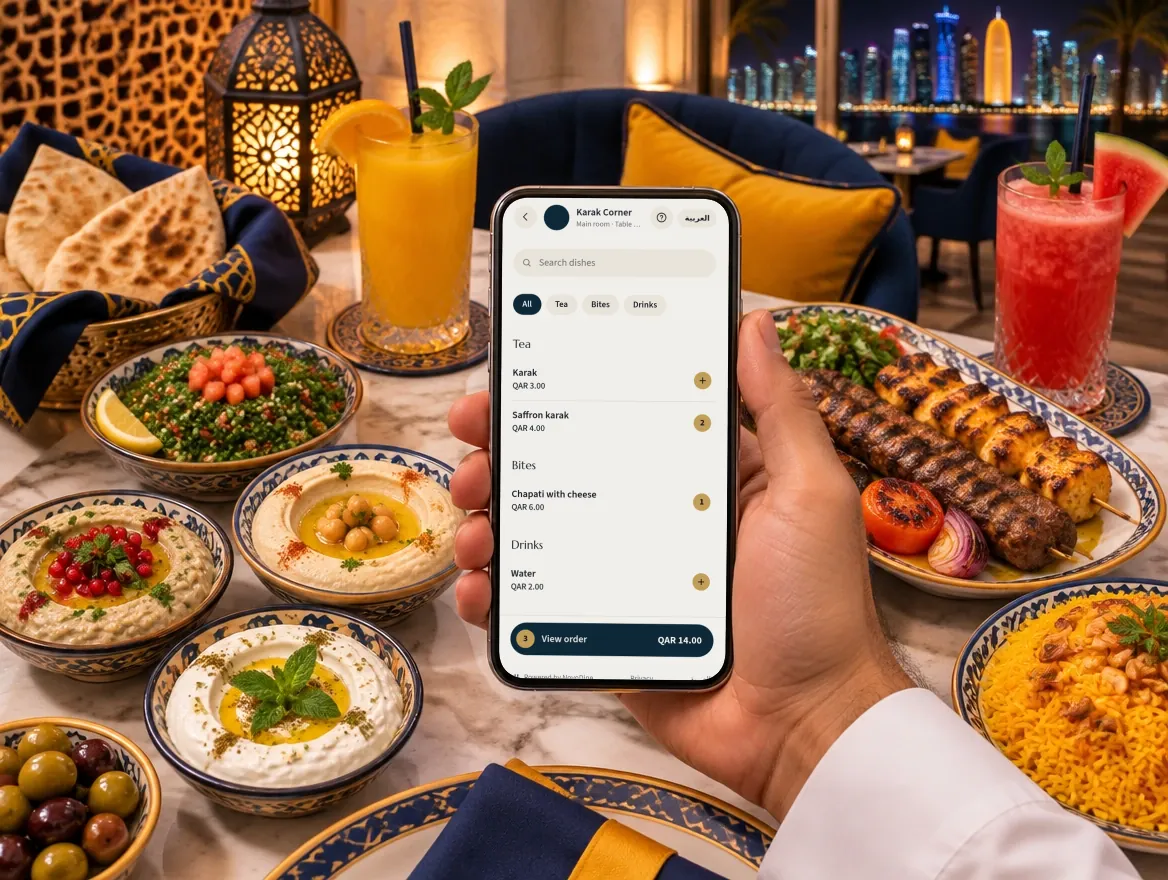
Order
Photos, prices and allergens for every dish. The order goes straight to the kitchen.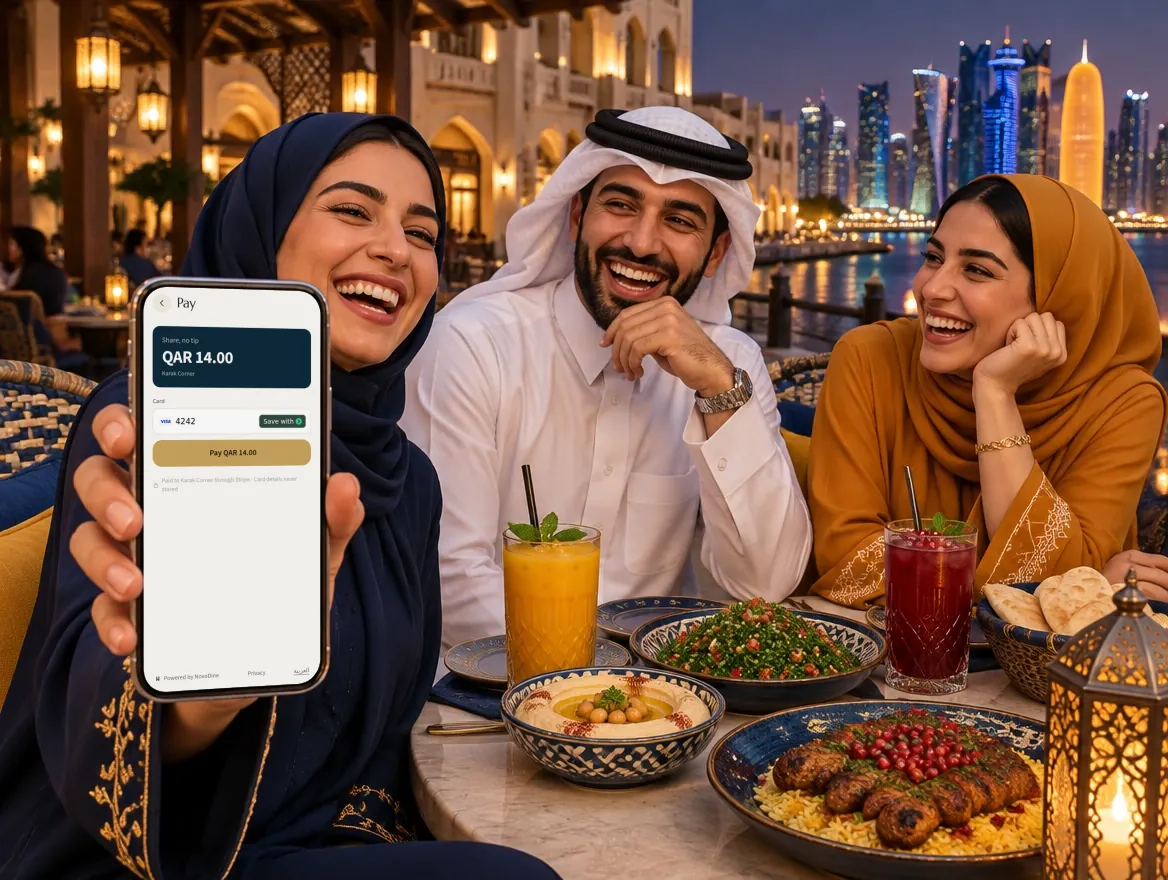
Pay & split
Pay the whole bill, or split it evenly or by item. The money goes to your venue through the payment provider.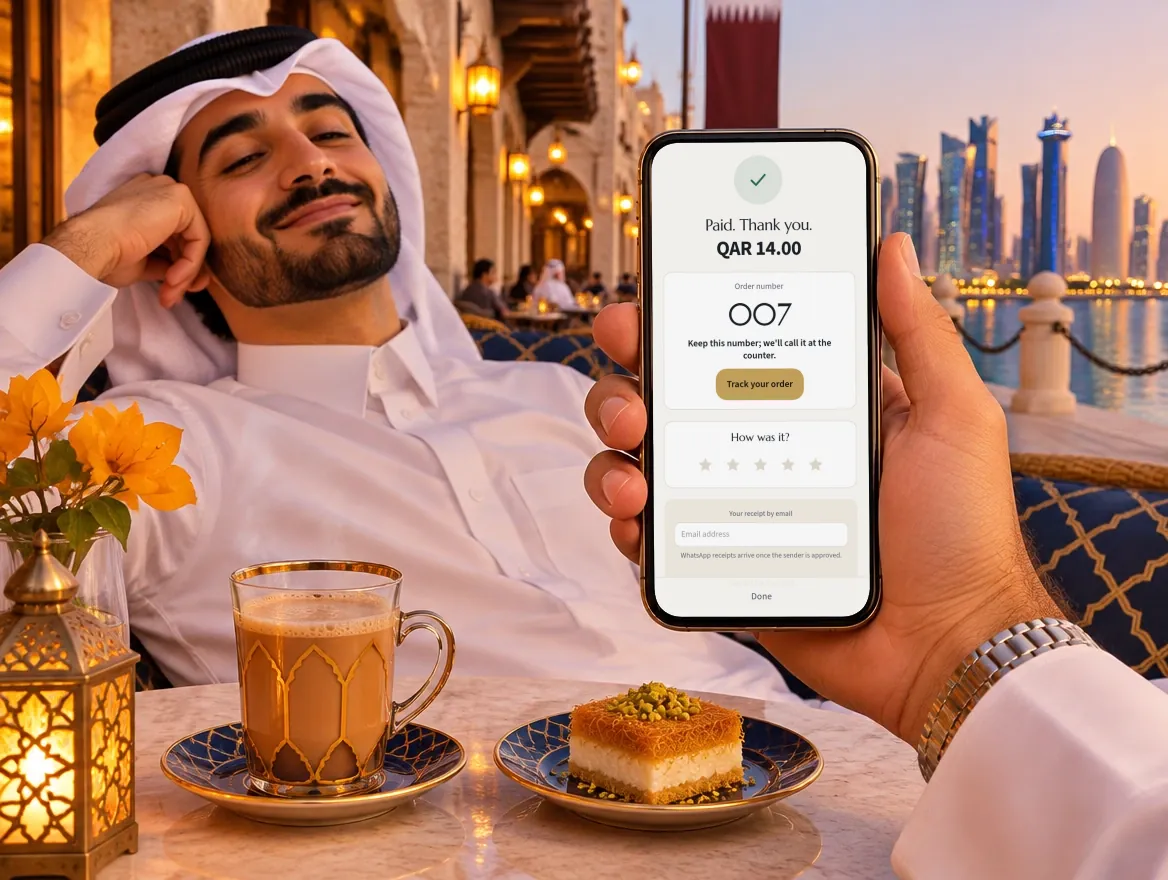
Tip & review
Choose a tip, get the receipt, and leave a review while the evening is fresh.
For your team
The kitchen, the floor and the numbers, in step.
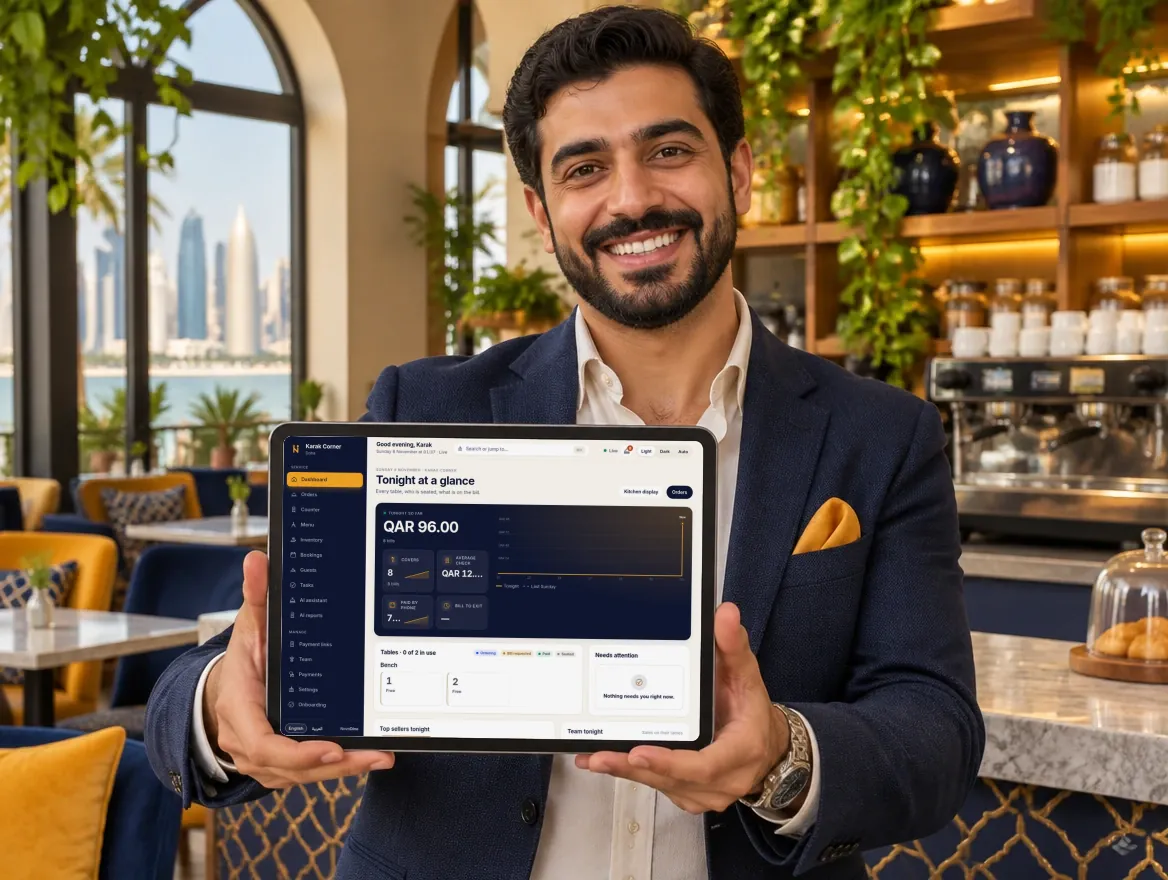
Dashboard and reports
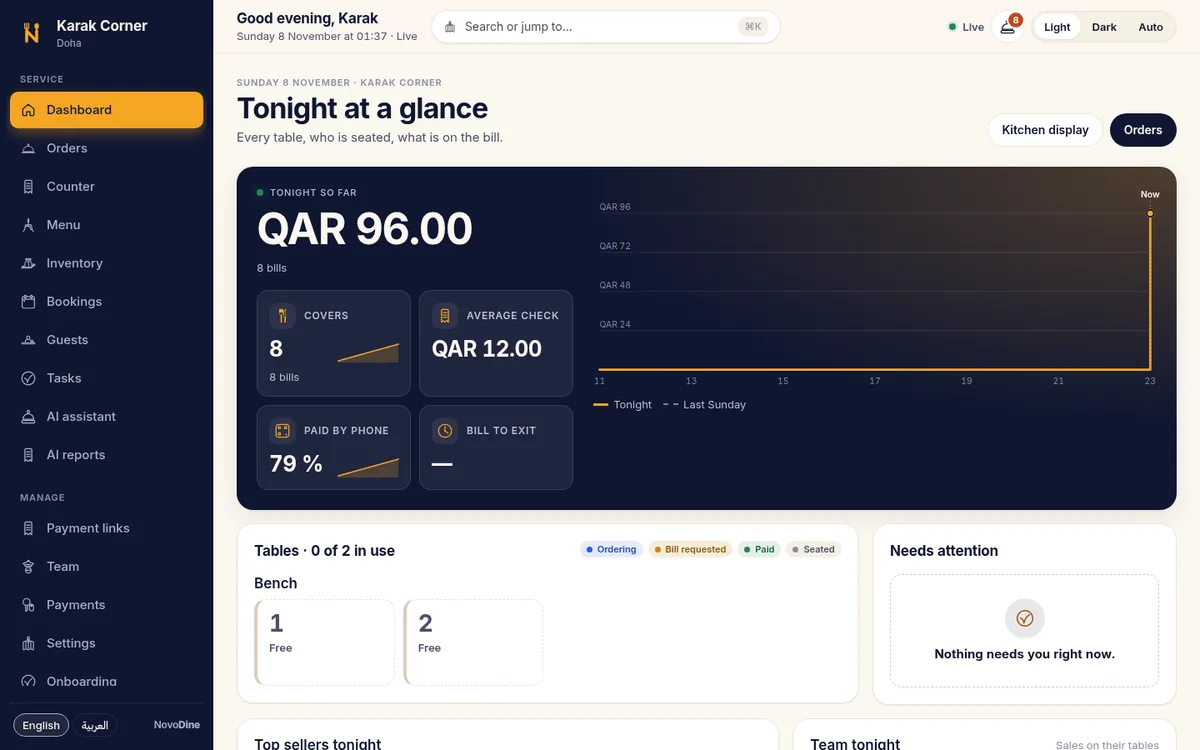
Tonight's money, covers and what needs attention; sales, tips and payouts ready for your accountant.Inside the restaurant CRM
Tonight at a glance
Money tonight, covers, the floor and what needs attention, the moment service starts.
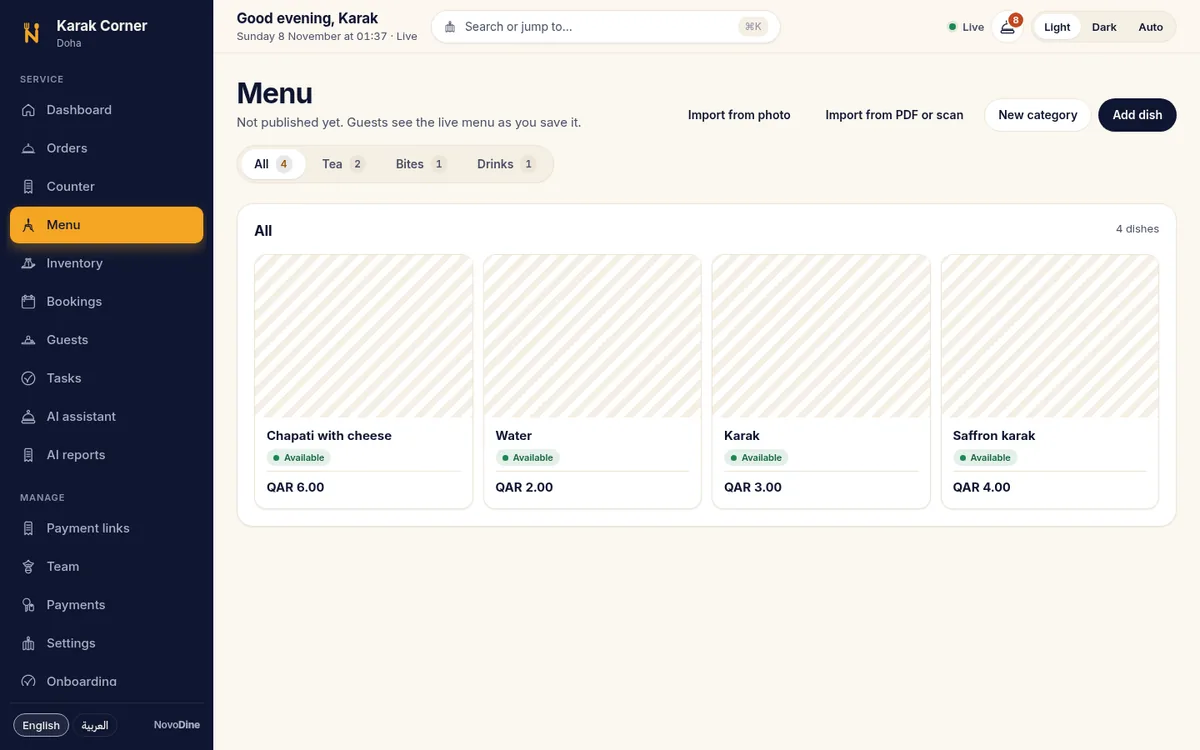
The menu
Dishes with photos, prices and diet labels in both languages, live as you save.
NovoDine Stay · the add-on for hotels
Running a hotel too?
NovoDine Stay brings in-room dining, requests, bookings and the folio to the guest's phone, beside your PMS. Your restaurants and your rooms on one system.

Get started
Live in three steps, and we check the last one with you.
Sign up
Create your restaurant's or café's account. It takes about ten minutes.
Add your menu and tables
Bring your menu from a link or our template, then print the table codes.
Go live
Our team checks your menu and tables with you before any guest sees them.
Questions we hear
Do I have to replace my POS?
No. NovoDine works beside your POS through an adapter: orders and payments are posted to it, and service carries on if the POS is briefly offline.
Who holds the money?
Guests pay your venue through the payment provider you connect, Stripe or Tap Payments. NovoDine never holds guest funds.
Can guests still pay the waiter?
Yes. Cash and card terminals work as before; the bill shows what is left to pay.
Do guests need an app or an account?
No. The menu opens in the phone's browser from the code on the table.
Is everything in Arabic?
Yes. Every guest screen and every staff screen is in Arabic and English, right to left in Arabic, with Western digits throughout.
Where is our data kept?
In Singapore, in a managed database. Each venue only ever sees its own data.
What does it cost?
QAR 0.50 per order, with no subscription and no monthly fee. Card fees are your payment provider's; the AI add-on is optional. Details on the pricing page.
We run a hotel as well. Does it work there?
Yes. NovoDine Stay is the add-on for hotels. Book a demo and we set up both with you.
Ready to put the whole table on one code?
Sign up in about ten minutes, or book a demo and we show you around in Arabic or English.